
USAGE & LIMITS
Claude Code and Codex in one view
Compare both agents’ usage percentages and reset times at a glance.
 Tokenmaxxing
MAC / IPHONE / IPAD
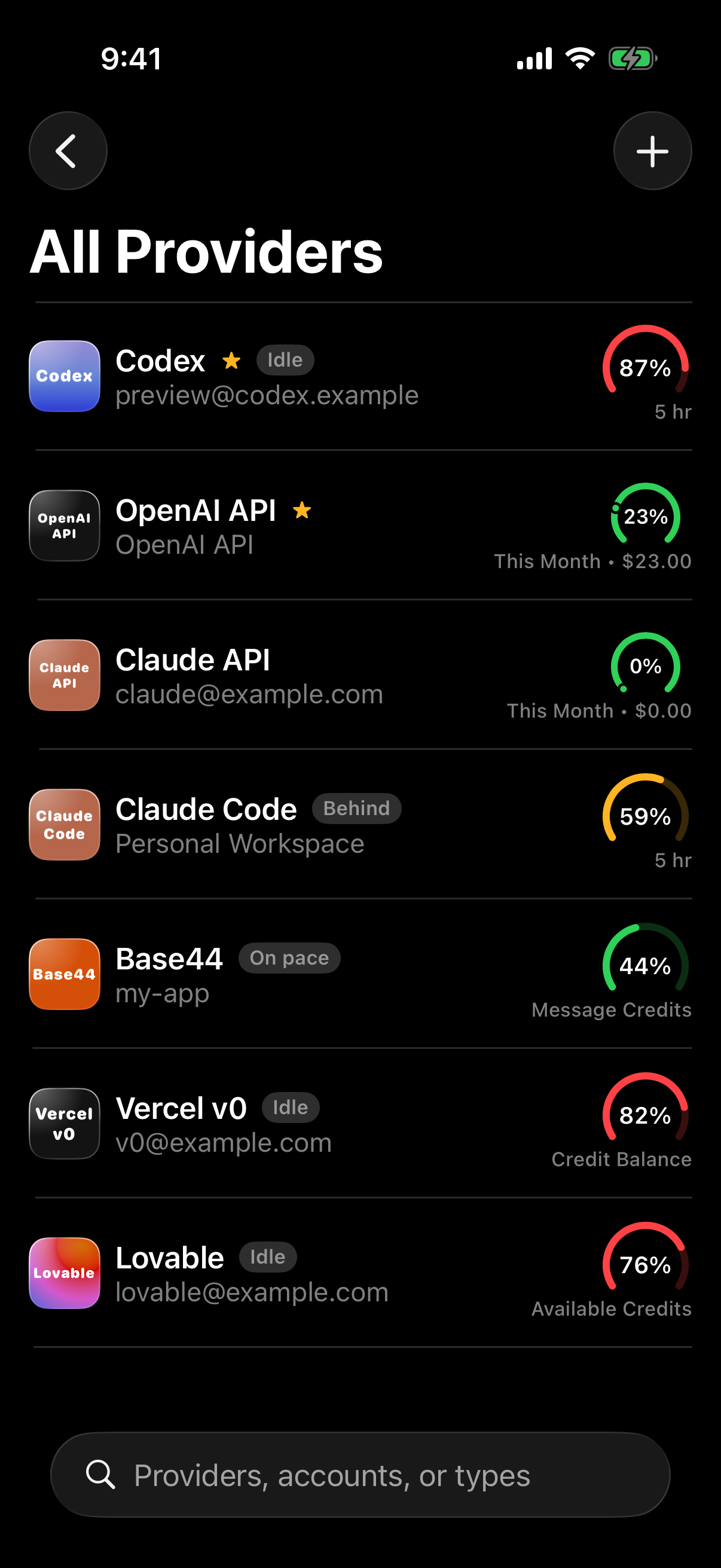
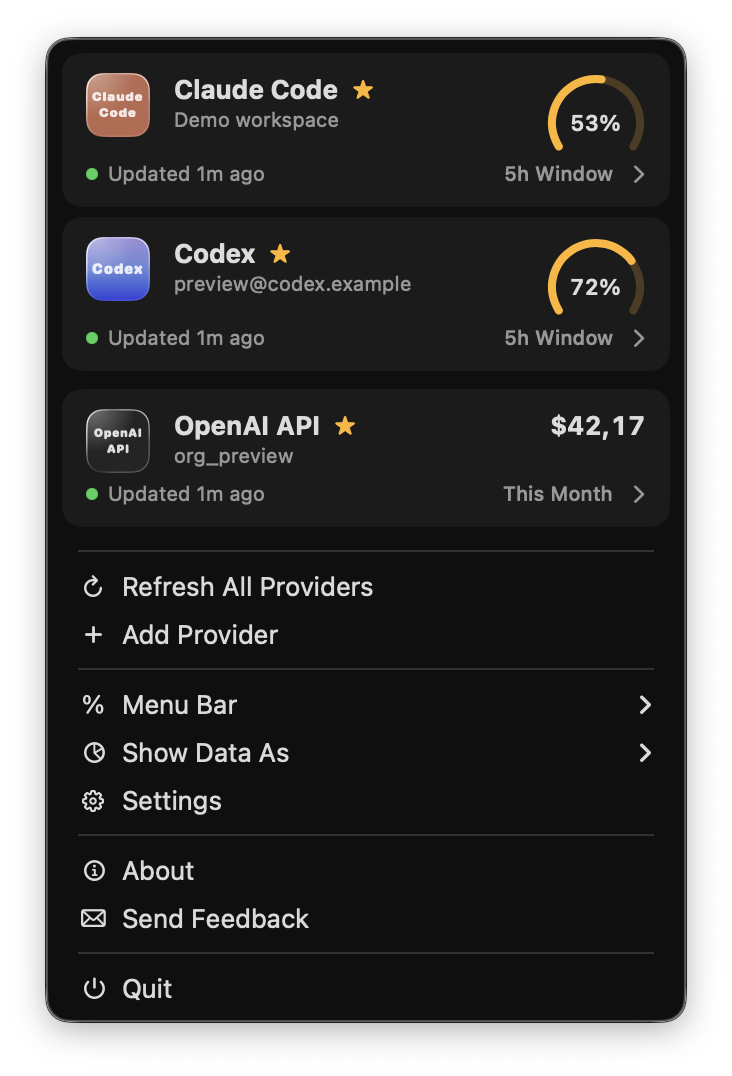
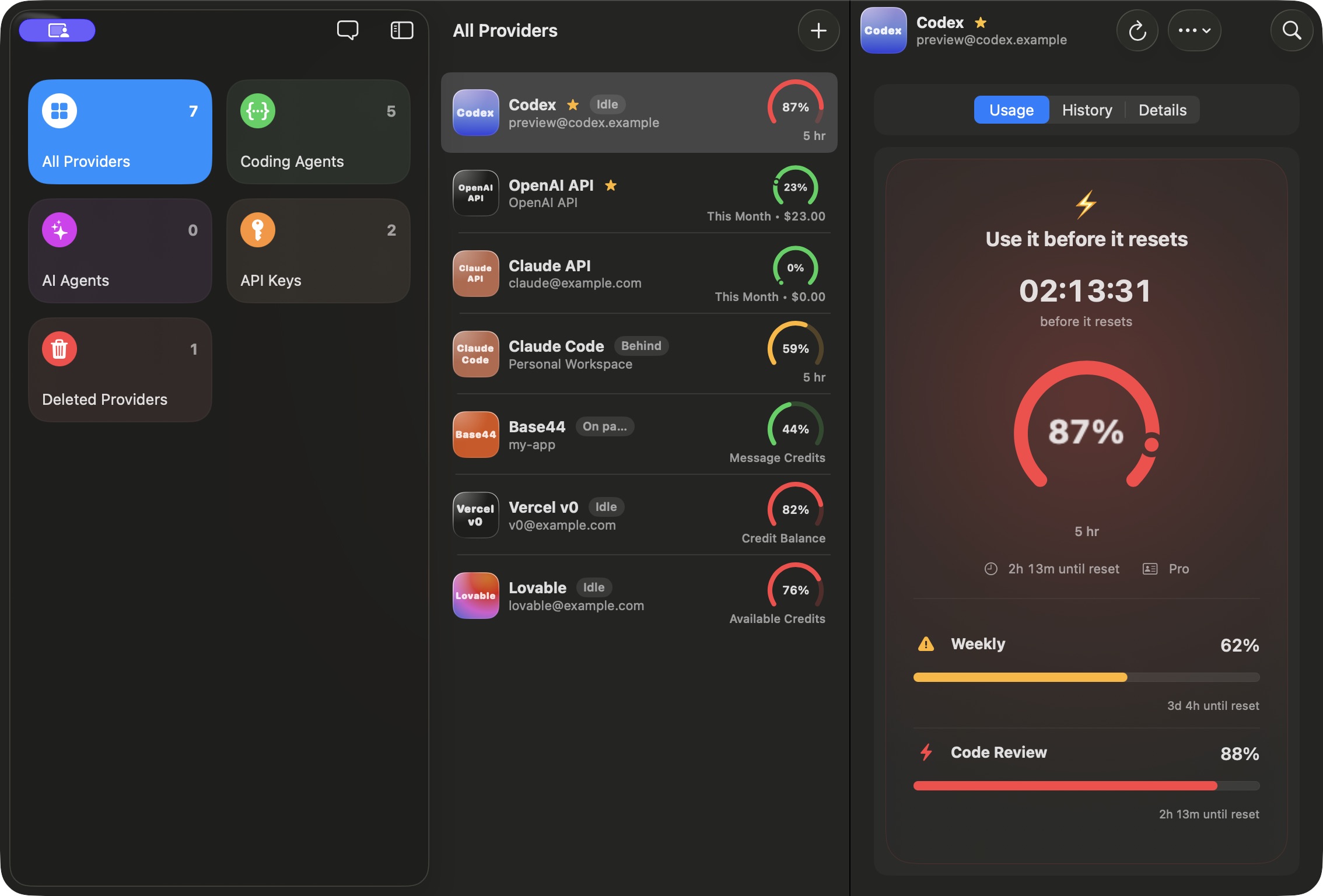
See your Codex limits, how much you have left, and when they reset. Track Claude Code and Codex side by side on Mac, iPhone and iPad.

Free to download · Pro available

INSIDE TOKENMAXXING
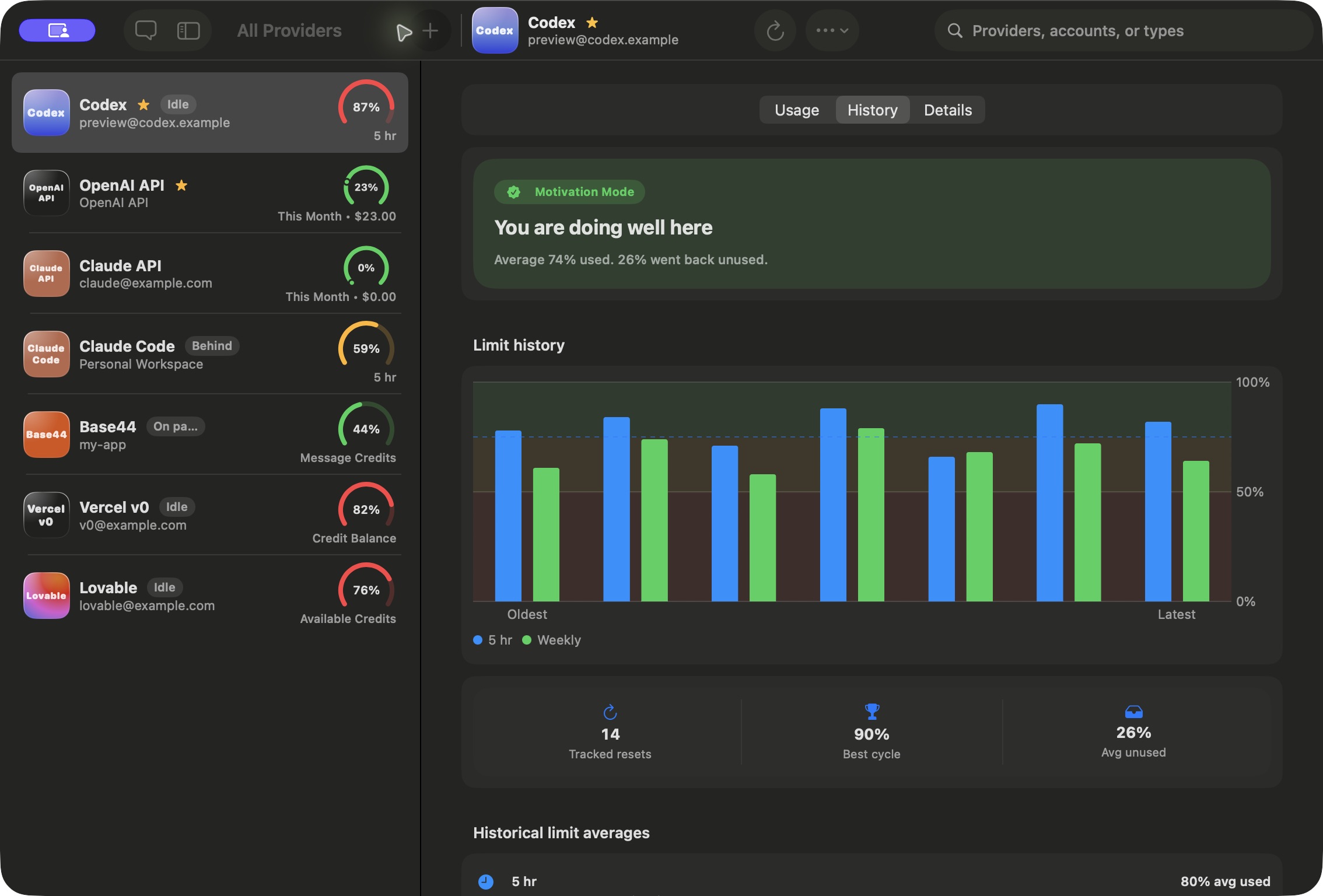
Check both coding agents, plan around resets, and get a reminder when you step away.
USAGE & LIMITS
Compare both agents’ usage percentages and reset times at a glance.
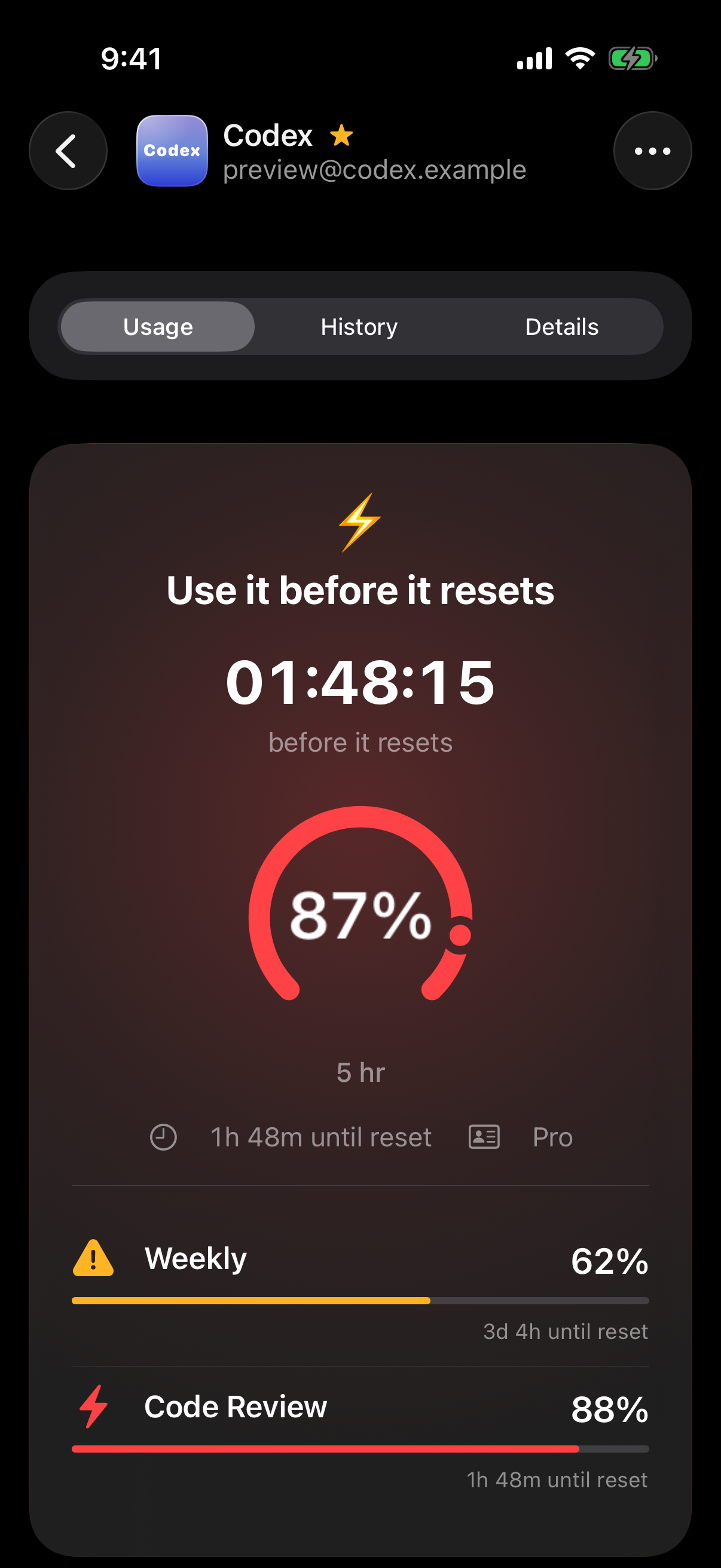
MOTIVATION MODE
See how much capacity is left and how soon it resets.
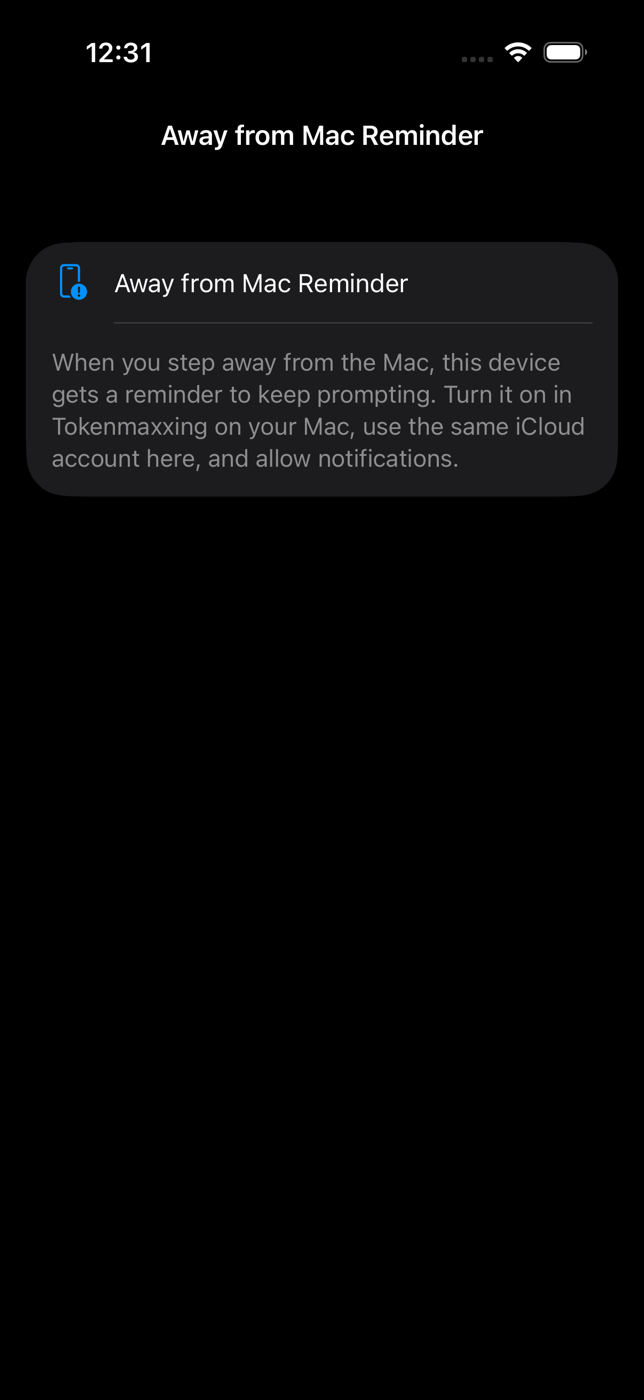
AWAY FROM MAC
Lock your Mac. Get a reminder on your iPhone or iPad when your chosen delay passes.
App screenshots show sample accounts.
A DAY WITH TOKENMAXXING
01 · BEFORE YOU START
Open the menu while your editor is still in front of you. Compare the current usage percentages for Claude Code and Codex before choosing which agent to give the next task.
02 · AFTER A RESET
Open History to compare the reset cycles Tokenmaxxing has tracked. See how much capacity you used and how much expired, then use that history to plan longer tasks.
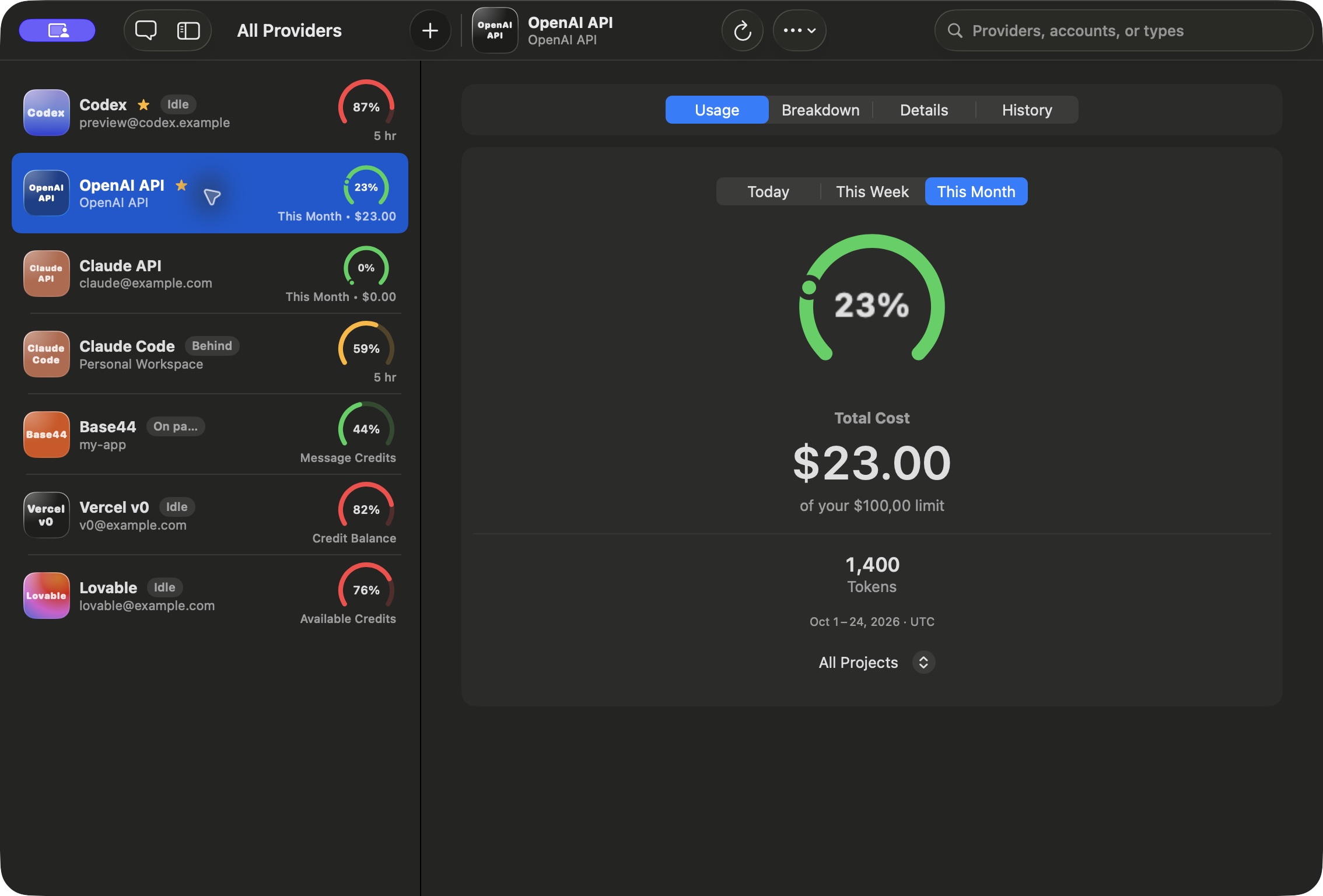
03 · WHEN YOU USE API KEYS
Connect supported OpenAI or Anthropic API accounts to see spending and token totals for the reporting period. Your coding agent’s subscription allowance and API charges each have their own view.
Screenshots use sample accounts and usage data.
Open the Codex usage page in ChatGPT to review your plan’s usage. In Codex CLI, use /usage to check usage and available resets.
Connect your Codex account to see its usage windows together. When Codex grants a banked reset, Tokenmaxxing can show when it expires and remind you before that date.
MAC / IPHONE / IPAD